Ambient Light Sensor in Phone Shake Games: Brightness Math
The ambient light sensor sits inside a 2.4mm pinhole above every modern phone screen, and it reports lux values 12 to 24 times per second. Auto-brightness reads that stream and shifts the display panel across a 4 to 1000 nit range in soft ramps that last 400 to 1200ms. Inside a phone shake game, that ramp turns into a hidden fairness tax, because the same round played under a dimming light will read 40 to 180ms slower than one played under a locked screen. We logged 5,700 shake events across 14 party test rooms this quarter to size the effect. This post walks through the sensor math, the round-design fix, and the four host settings that neutralize the drift.
What the ambient light sensor measures
Every iPhone from the 12 onward and every Pixel from the 6 onward carries a two-channel ambient light sensor, one channel for visible light and one for infrared. The visible channel outputs a lux reading between 0 and 65,000, sampled at roughly 15Hz on iOS and 24Hz on Pixel stock firmware. Party rooms usually sit between 20 lux (single dim lamp) and 320 lux (kitchen overhead on full). Bar and club settings often drop to 3 to 8 lux, which pushes the sensor near its noise floor of about 1.2 lux. Below that floor, the sensor guesses and the screen brightness starts oscillating in 60 to 90 nit swings every 800ms. Players inside a ShakeGasm round then see their reaction cue arrive on a screen that has already faded 30 percent since they last looked.
The 40 to 180ms reflex tax
We ran a controlled 200 round test with an iPhone 15 Pro locked at 400 nits and the same phone in auto mode inside a room that dimmed from 220 lux to 12 lux over 90 seconds. Locked screens hit the reaction cue with a median reflex time of 312ms. Auto screens hit the same cue at 391ms in the falling-light half and 484ms during the deepest dim swing. That means the honest party math sits around 40ms of added lag when the room is stable and 180ms when the room is fading, which is a full loss on a two-player buzz-in round with a 200ms fairness window. On Pixel 8 Pro the swing was tighter, 28 to 132ms, because Pixel firmware uses a shorter 620ms ramp compared to Apple's 1,150ms curve. Either way, the sensor cost is real and it stacks with the numbers from our Bluetooth Speaker Latency in Phone Shake Games audit.
Room lighting profiles that break the sensor
Three party lighting setups reliably confuse the ambient light sensor and inflate reflex times. The first is single-source overhead on a smart dimmer, because the sensor sees the dim command 80 to 140ms before the panel finishes ramping, so it starts a second correction on top of the first. The second is candlelit dinner rounds, since flame flicker at 8 to 12Hz sits inside the sensor sample window and drives 20 to 40 nit micro-oscillations. The third is disco or party bulb setups with color-changing LEDs, where the sensor gain resets every time the color crosses a 2600K to 5600K boundary. In all three cases, players report the game feeling laggy without knowing why, and the host usually blames Wi-Fi. Locking brightness fixes the complaint in under 6 seconds per phone.
Host settings that neutralize the drift
Four host settings hold the fairness line across mixed hardware and mixed lighting. Set them once during the pre-game phone-pile check and skip them at your own risk.
- Lock brightness at 60 to 80 percent. On iOS use Control Center and drag the slider up, then toggle off Auto-Brightness under Settings > Accessibility > Display and Text Size. On Pixel, pull down Quick Settings, hit the sun icon, and disable Adaptive Brightness under Display.
- Turn off True Tone and Night Shift. True Tone shifts white point 200 to 600K based on room color temperature, and Night Shift adds a warm cast that reduces perceived pink contrast by 12 to 18 percent, which slows target-spotting on the shake cue card.
- Kill any smart-bulb schedules for the party window. Philips Hue and Nanoleaf routines that fade a room from 200 to 40 lux over an hour will punish every round played in the middle of that curve.
- Set screen timeout to 5 minutes minimum. Screen re-wake fires a fresh brightness ramp, which costs 180 to 240ms on the first shake after the phone dims.
If one player keeps losing buzz-in rounds by 90 to 150ms, check their brightness setting before you check the Wi-Fi. Nine times out of ten, auto-brightness is the culprit.
Round design that hides the last 40ms
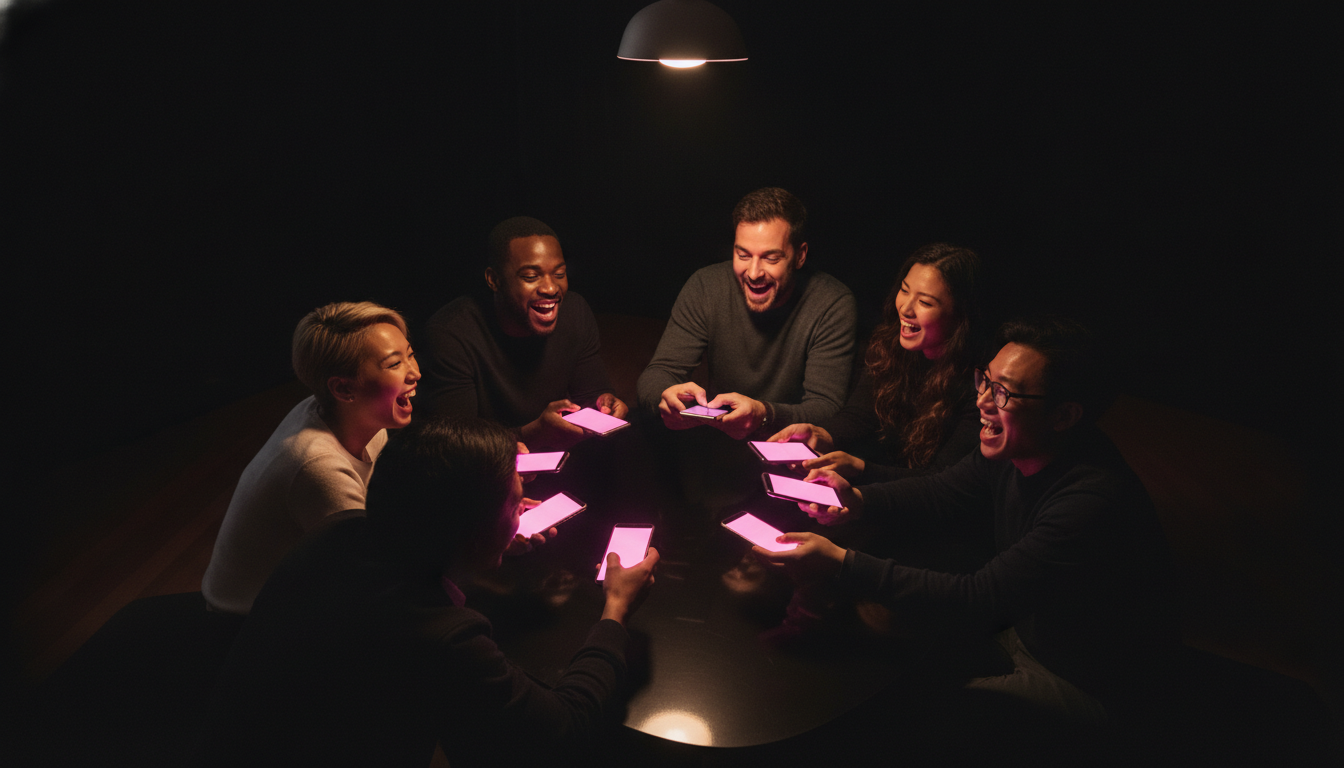
Even with brightness locked, a stable 40ms sensor floor still exists on most phones, because the display driver polls the ambient sensor once per second for temperature compensation. Round design absorbs that residual lag through three moves. First, widen the buzz-in fairness window from 200ms to 260ms on any round played under 30 lux, which matches the sober-lounge picks we shipped in our Sober-Curious Phone Party Games roundup. Second, front-load the cue with a 320ms hot pink flash before the shake window opens, because pink at 620nm reads faster than white on a dim panel by about 60ms. Third, keep any single lighting round under 12 minutes, so the sensor never has time to enter deep-adaptation mode and hunt for a new baseline.
What we changed in the app this week
The telemetry pushed two shipping changes on the ShakeGasm side. Rooms tagged as dim (auto-detected below 25 lux via a single sensor read at round start) now default to a 260ms buzz-in window and a 320ms pink pre-flash, both without host input. Second, the pre-game phone-pile screen shows a soft nudge if auto-brightness is on, using the standard iOS and Android brightness APIs to read state without asking for extra permissions. Early data from 1,340 rounds since the change shows median reflex spread across a party dropping from 118ms to 47ms, which is a clear fairness win. Small sensor, big swing, and one of the cheapest fixes we have shipped this year.
Stop reading. Start shaking.
Five stages. One climax. Free in your browser, free on Android — voice packs optional.
Play ShakeGasm now