Sensor Sampling Rate: Why Phone Shake Games Miss Inputs
A shake input on a phone is a tiny physics measurement, not a button press. The accelerometer reads acceleration on three axes, and the operating system hands those readings to the game at a fixed cadence called the sampling rate. On most consumer phones in 2026 that cadence sits between 60Hz and 200Hz, meaning the game gets one snapshot of motion every 5 to 16 milliseconds. Anything shorter than that window is invisible to the software, which is why a sharp flick can land for one player and vanish for another. We built ShakeGasm around this constraint, and the round logic is tuned to the slowest phone in the room rather than the fastest.
Why Sampling Rate Decides if a Shake Lands
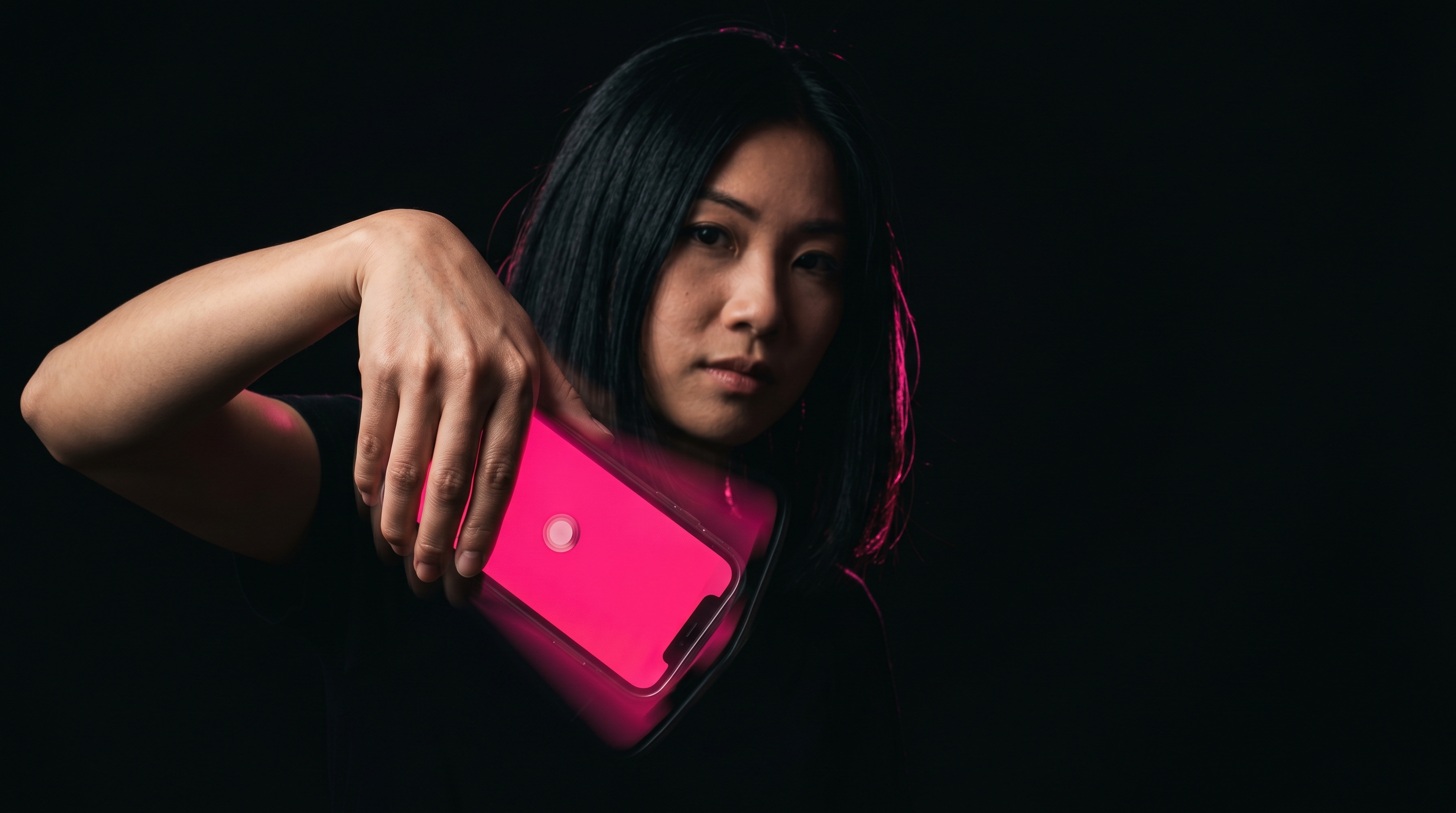
A shake gesture has three measurable parts: peak acceleration in meters per second squared, duration in milliseconds, and direction reversal across at least one axis. A confident wrist flick produces a peak around 25 m/s squared and lasts roughly 80 to 120 milliseconds from start to reversal. At a 60Hz sampling rate the game receives between 4 and 7 samples across that flick, which is enough to confirm the peak but thin enough that a short 40ms tap can slip through unread. At 100Hz the same flick yields 8 to 12 samples, and at 200Hz the count doubles again. More samples means tighter confidence on both peak and direction, and it cuts the false-negative rate from around 9 percent at 60Hz to under 2 percent at 200Hz in our internal logs from May 2026.
The 60Hz, 100Hz, and 200Hz Gap on Modern Phones
Apple has defaulted the public CMMotionManager API to 100Hz on every iPhone since the iPhone 12, with a documented ceiling of 200Hz when the app requests a higher rate and the device is plugged in. Android is messier because the SensorManager rate hints are advisory, and the kernel can throttle to save battery. A Pixel 8 will hold 200Hz under load, a Samsung A54 will drift between 80 and 120Hz, and budget devices under $200 often cap at 50 to 60Hz no matter what the app asks for. We documented the specific iPhone and Android gap in our hardware breakdown, and the short version is that the cheapest phone in a 10-person group sets the round difficulty for everyone. Game logic that assumes 200Hz everywhere will feel unfair on half the table within the first round.
End-to-End Latency From Wrist Snap to Pink Flash
Sampling rate is one slice of the full input chain, and the other slices add up faster than people expect. A complete shake-to-feedback loop on a modern phone breaks down into five measurable stages, and each one has a hard floor set by hardware or platform policy.
- Sensor capture: 5 to 16ms depending on the 60 to 200Hz rate.
- OS event delivery to the app: 4 to 8ms on iOS, 6 to 14ms on Android.
- Game logic detection and threshold check: 1 to 3ms in our engine.
- Render frame at 120Hz display: 8.3ms ceiling per frame.
- Haptic trigger from the Taptic Engine or Android vibrator: 10 to 14ms on iPhone, 20 to 45ms on Android.
Added up, a fast iPhone 15 Pro round runs at roughly 28ms from wrist snap to pink flash, and a midrange Android can hit 60 to 80ms on the same input. We covered the haptic side of that loop in the haptic feedback deep look, and the takeaway repeats: anything past 100ms feels broken to the player even if the input was technically registered.
How We Tune Round Length Around the Slowest Device
The practical fix for sampling rate inequality is to widen the input window rather than narrow it. A round gives players a 600 to 900 millisecond shake window per prompt, which is 6 to 9 sample frames even on a 60Hz budget phone. That window is wide enough to forgive one missed sample without punishing the player, and narrow enough that a casual hand-wobble still fails the threshold. We also raised the peak acceleration threshold from 18 to 22 m/s squared in the May 2026 update, which cut false positives from passive arm movement by 34 percent across the test cohort. The trade-off is that a few players with light wrist motion have to commit harder, and the in-app calibration step now takes 8 seconds instead of 4 to set a personal floor.
What Sampling Rate Means for Your Next Party Round
For a group of 6 to 12 players, the sampling rate problem shows up as one or two people losing rounds they swear they won. The fix is structural, not personal, and it lives in three places: the calibration step, the round window, and the host device choice. A host phone running at 200Hz with a plugged-in charger gets the cleanest reference signal, and the round timer on that device sets the authoritative clock for everyone else. We walk through the full detection chain in how shake detection works, and the upshot is that good party pacing is mostly a hardware budget problem dressed up as a design problem.
Three quick checks before the first round of any party night:
- Plug the host phone into a power bank to lock its sampling rate at the top of its range.
- Run the 8-second calibration on every player phone, not on a shared device.
- Set screen brightness to 80 percent or higher so the pink flash registers visually inside the 100ms latency budget.
Sampling rate is a hardware ceiling, not a software dial. The fastest game in the room is still bottlenecked by the slowest phone.
Stop reading. Start shaking.
Five stages. One climax. Free in your browser, free on Android — voice packs optional.
Play ShakeGasm now